How to Claim your Item?
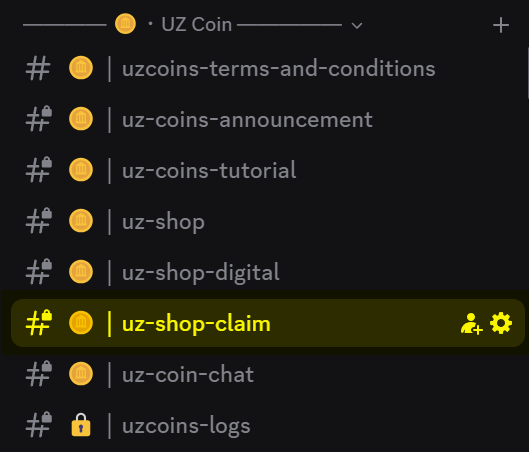
1. Find #uz-shop-claim channel
2. Claim your Item via Ticket Tool
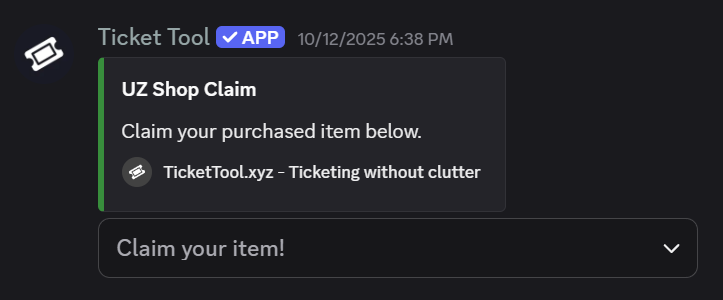
3. Choose the correct item you want to claim
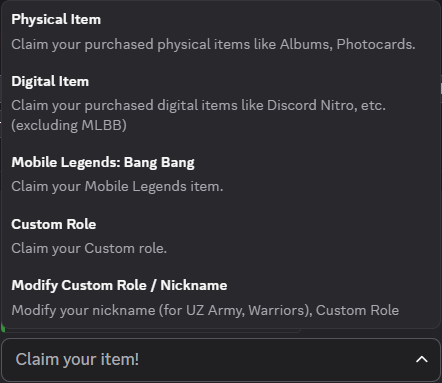
The category itself is self-explanatory.
4. Fill Up The Form
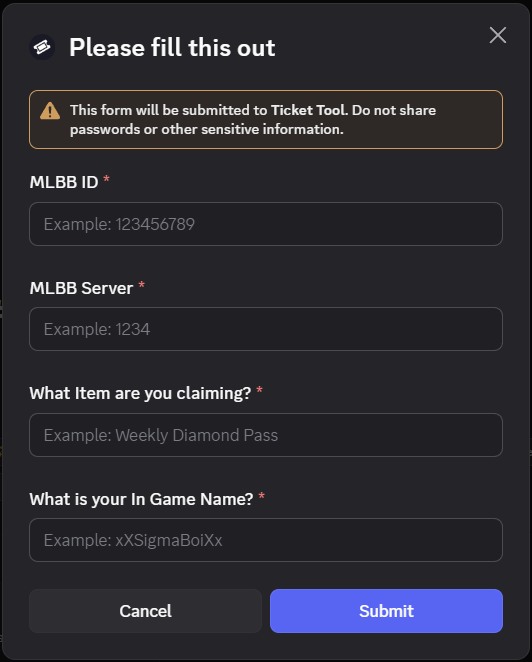
In this example, we want to claim our Weekly Diamond Pass, You must choose Mobile Legends: Bang Bang in the dropdown and fill up the form.
Once you hit submit, You will see a message saying that the ticket is created.
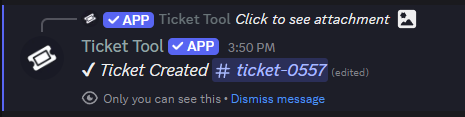
Click your ticket. (in this case: #ticket-0557)
5. After you click the ticket...
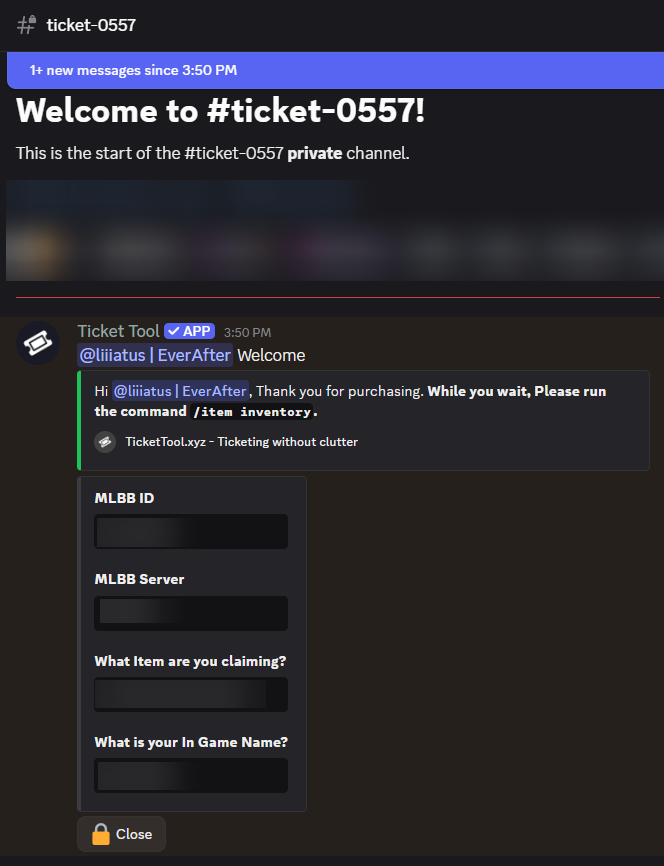
Here's what you will see after clicking your ticket, It will show every details you input in the form.
6. FINAL - Run the command
Once you are in the ticket, Please run the /item inventory command.
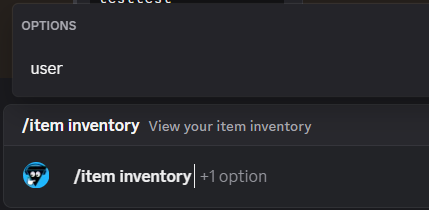
And hit enter.
All you have to do next is wait...
Our team will process your claim and deliver your item as soon as possible.